Plan the week
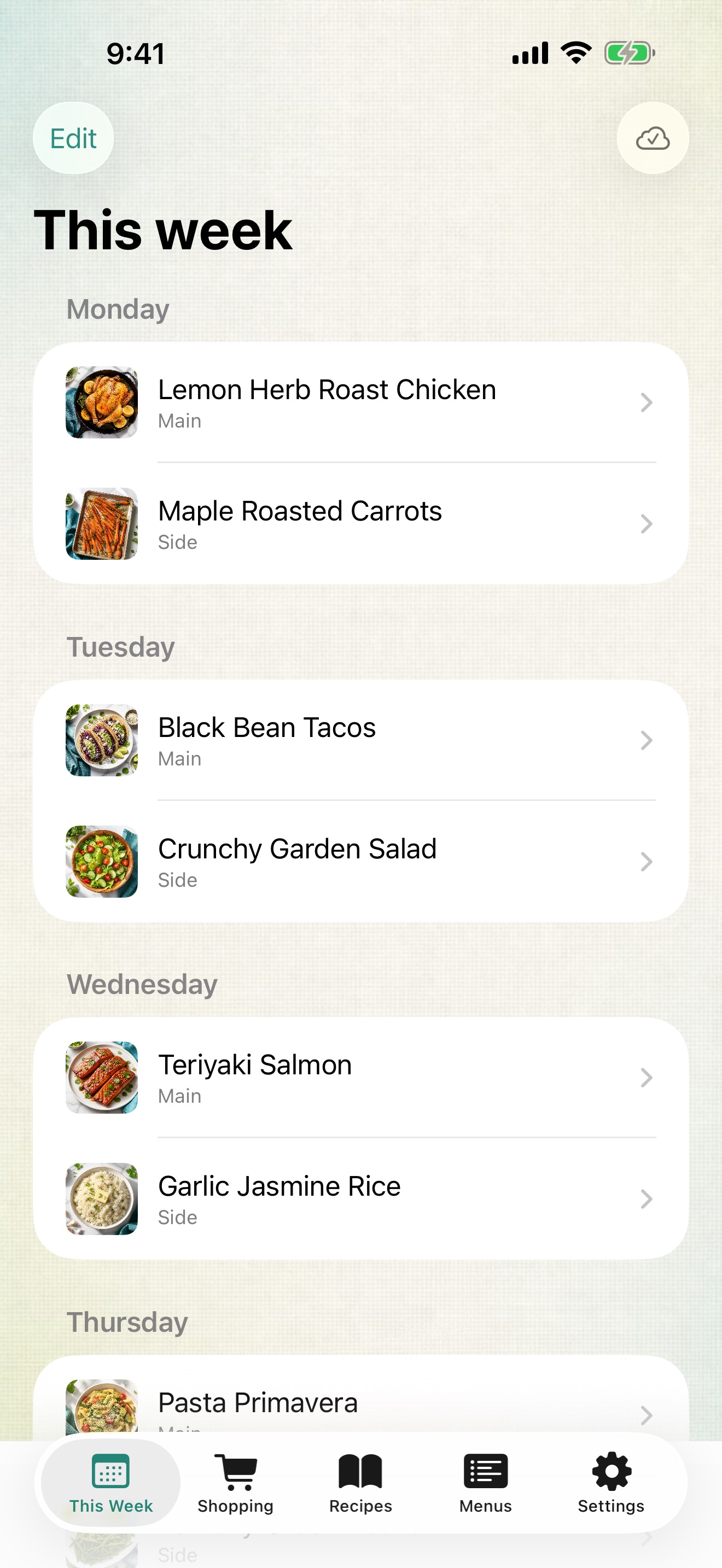
Choose a main and a side for each day, keep several menus, and switch weeks with one tap. The app opens straight to this week’s dinners, with tonight’s marked.
Plan the week’s dinners once and get a shopping list sorted by the store where you buy each thing — for iPad and iPhone, even with no signal in the aisle.
Pick a main and a side for each day. Smart Menu Planner adds up every ingredient for the week and groups it by your stores, so one trip covers it all.
Choose a main and a side for each day, keep several menus, and switch weeks with one tap. The app opens straight to this week’s dinners, with tonight’s marked.
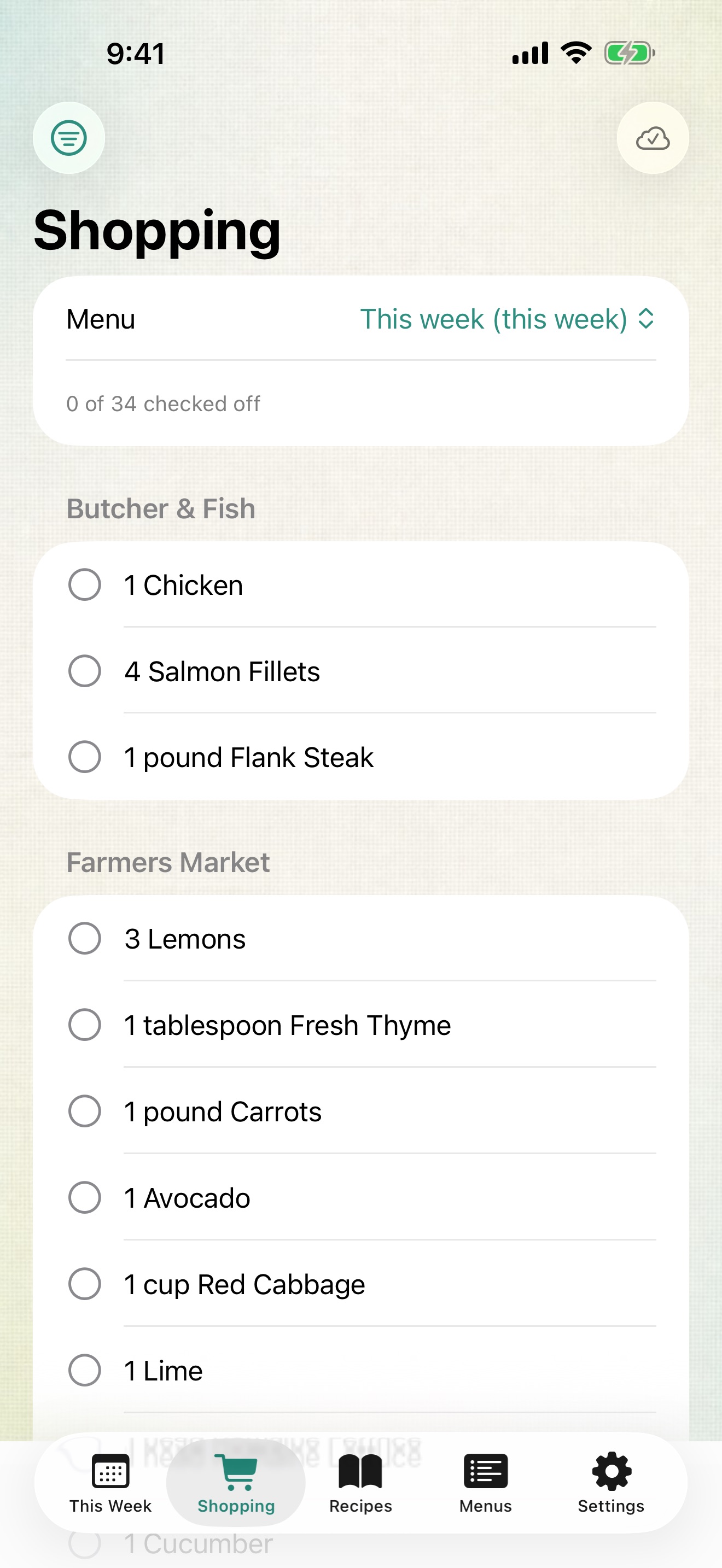
Two recipes that need onions become one line. Items are grouped by the stores you shop at — farmers market, butcher, pantry — and checked-off items drop into Done.
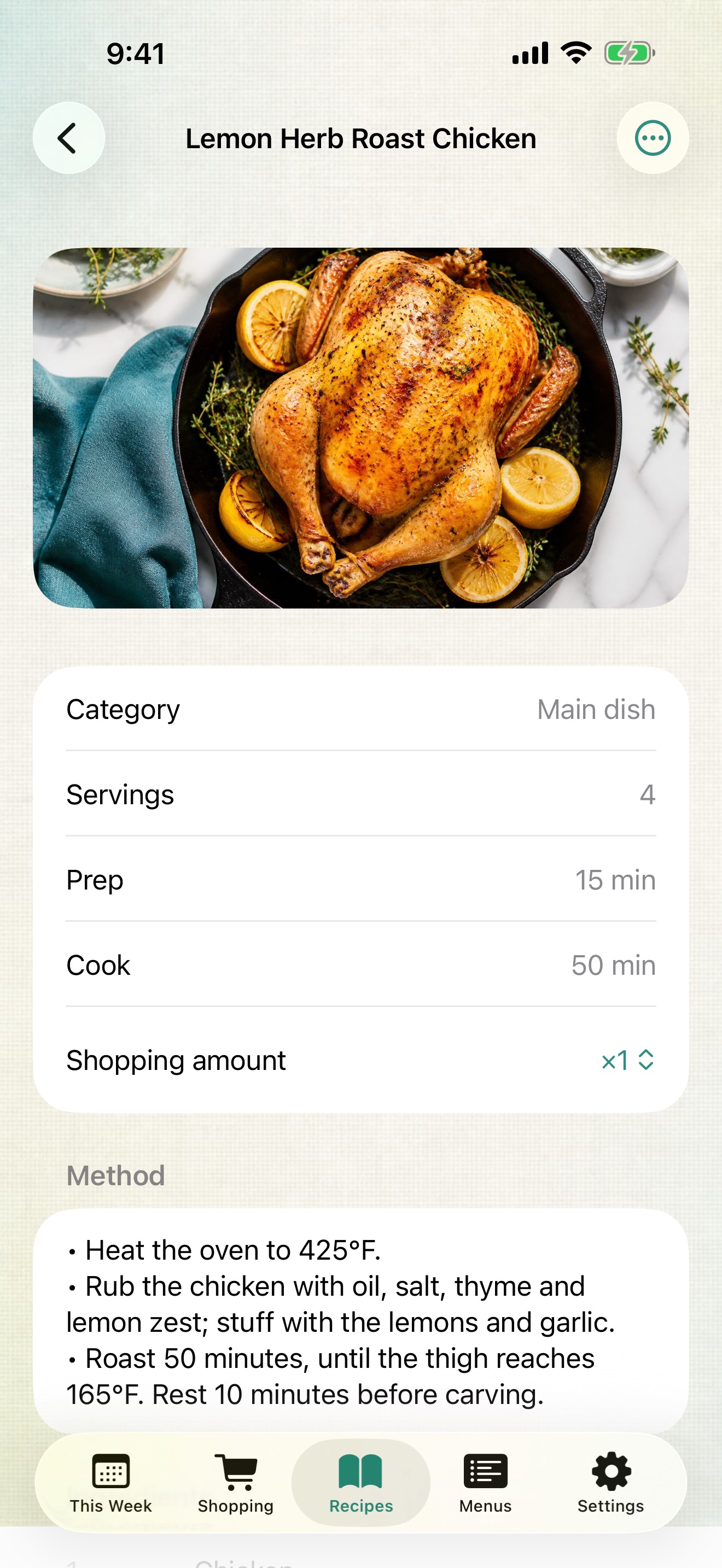
Ingredients, method and photos for every recipe. Write your own, or import one from a recipe website by pasting its address.
Everything is kept on your device. Edit with no connection and it syncs with your account on smartmenuplanner.com when you’re back online, so your iPad, iPhone and computer agree.
How it works
Build the week from your recipes, take the list to the store, and open each recipe when it’s time to cook.
Sign in with Apple, Google or email. There are no ads, no tracking and no analytics, and you can delete your account and everything in it at any time from Settings.