Largest files first
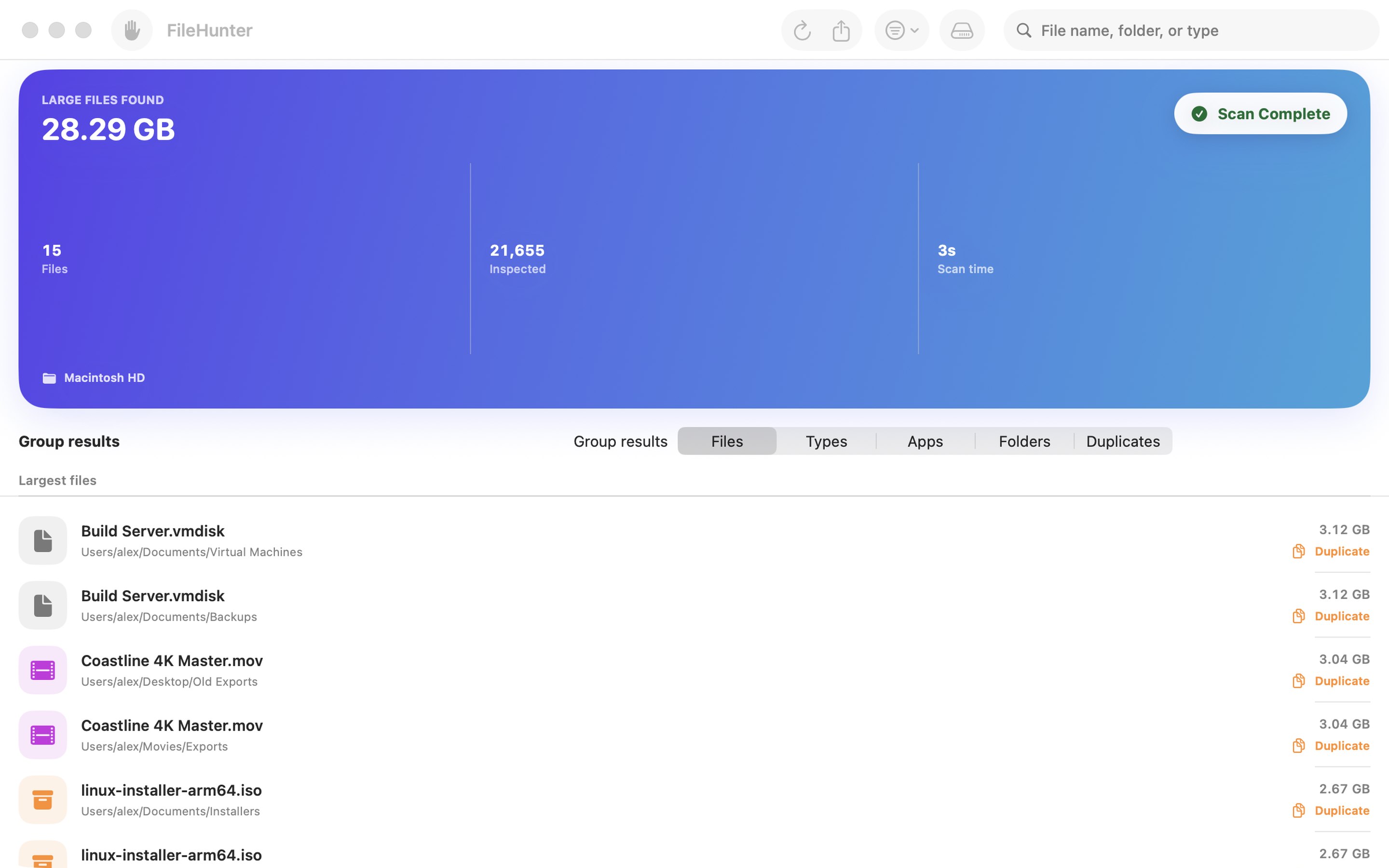
Files are ranked by the space they really use on disk. Stop the scan at any time and keep everything found so far.
See what is filling your Mac. Choose a folder or drive and watch the biggest files and folders rise to the top while FileHunter scans.
FileHunter ranks the largest files and the heaviest folders on the folder or drive you choose, with results that appear while the scan runs. It only reads: nothing is deleted, moved or uploaded.
Files are ranked by the space they really use on disk. Stop the scan at any time and keep everything found so far.
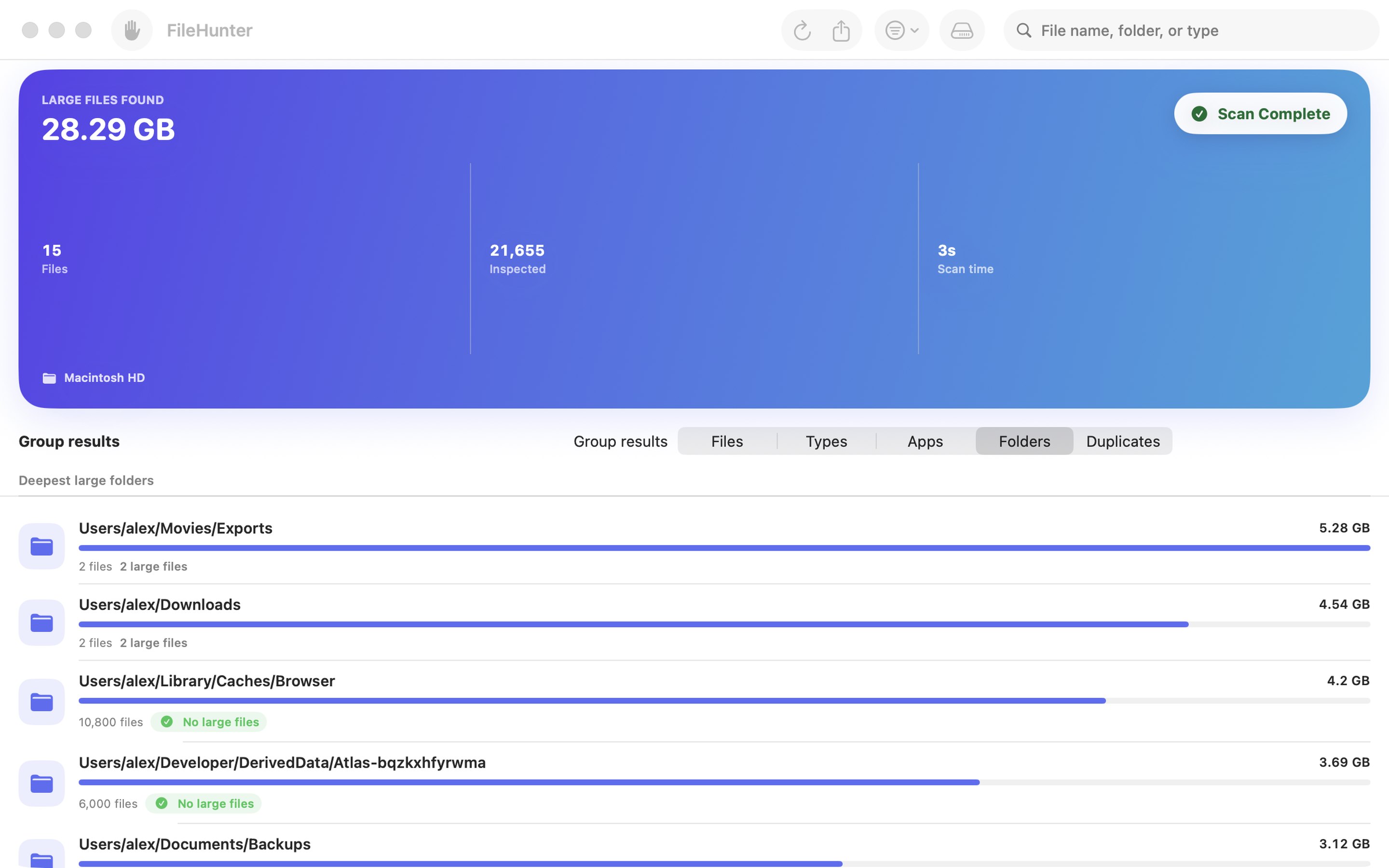
See folders full of small files—caches, build products, mail attachments—that no single-file list would show, plus app data grouped by app and space by file type.
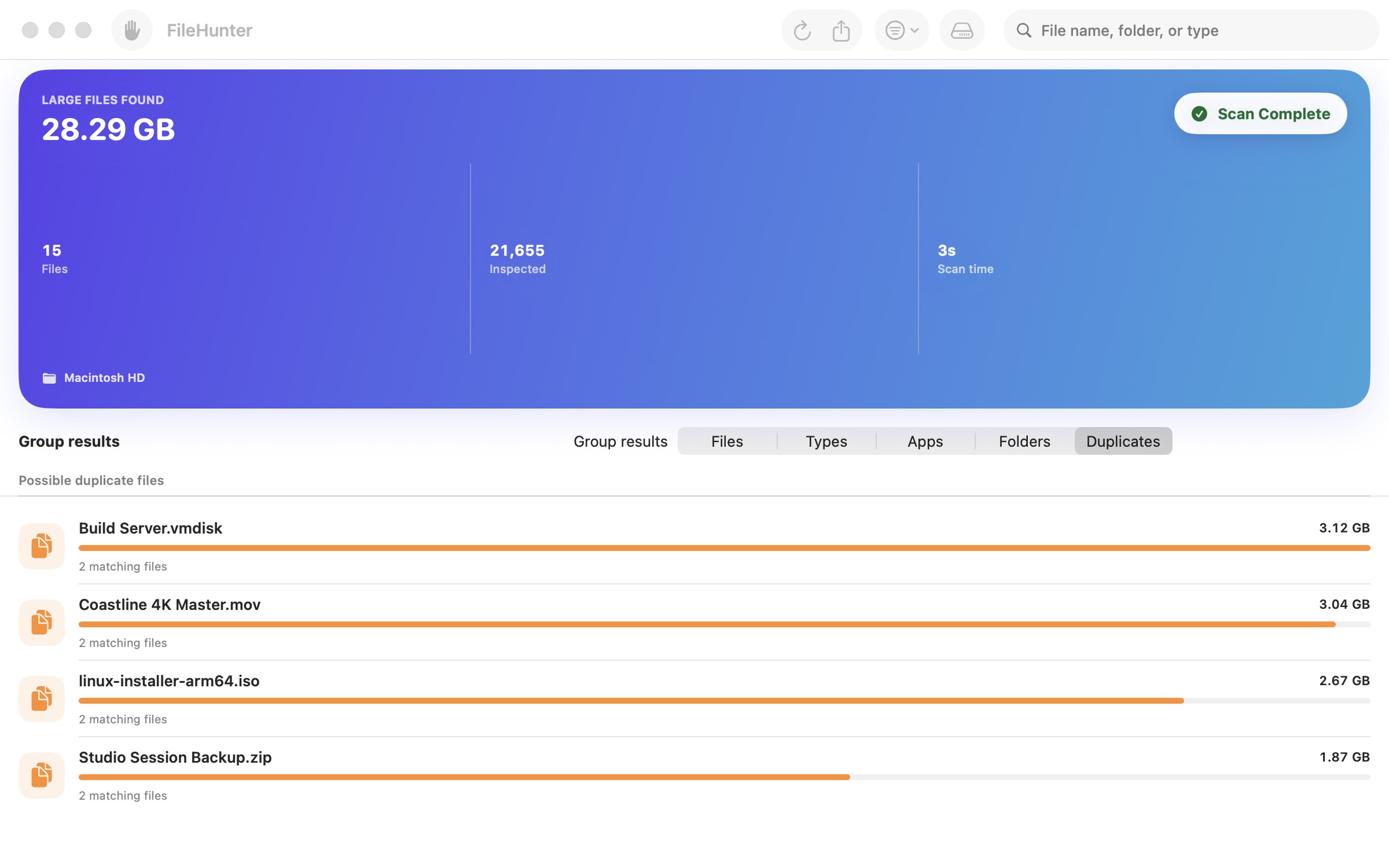
Hard-linked files are counted once, cloud-only files are called out rather than counted as local space, and possible duplicates are matched by name and size.
FileHunter never deletes, moves, renames or uploads anything. Export a detailed report of the large files when you want to look deeper.
In the app
Files, folders, apps, file types and possible duplicates, side by side in one window.
FileHunter scans only the folder or drive you choose, and remembers that choice for the next scan. To scan as much of your Mac as macOS allows, choose Macintosh HD. macOS keeps some locations, such as Mail, Messages and Photos, private unless you give FileHunter Full Disk Access in System Settings; without it, FileHunter lists the folders it could not read instead of failing.
FileHunter is for Mac and requires macOS 14 or later.